All features

Every order in one list, checked before it ships.

Orders from your stores and chats sit side by side. Cash orders get confirmed first, and your team can see what happens next.

Every order lands in one list.

Orders arrive from your stores and your chats. The same customer is matched on phone or email, so one person stays one record.

  • Shopify and WooCommerce orders arrive by themselves
  • Orders from your Commstate online store
  • Orders taken in a WhatsApp chat
  • Search by name, phone or order number
  • Saved views for the lists you check daily

Cash orders confirmed on WhatsApp.

A customer who picks cash on delivery gets a message with two buttons. Their tap confirms the order or cancels it.

  • Confirm order and Cancel order buttons
  • A cancel puts the stock back
  • The order shows who confirmed it, and when
  • A forwarded message does nothing
  • No tap, and the order stays pending

No tap? The assistant can call.

Switch on confirmation calls and the AI assistant rings new cash orders on your schedule. A yes confirms the order.

  • Your hours and days, set once
  • Ask on WhatsApp first, or just call
  • Choose the tries and the gap between them
  • Leave out trusted repeat customers
  • A limit on calls each day
  • A list of every call and how it went

One order, the whole story.

Items, payments, shipments, returns, calls and a timeline sit on one page. Anyone on your team can pick it up.

  • Every change on a timeline
  • Status rules stop a wrong move
  • Notes and tags on the order
  • Cancel with a reason
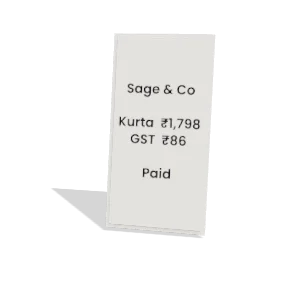
  • Print the invoice from the order

Record the money, or send a pay link.

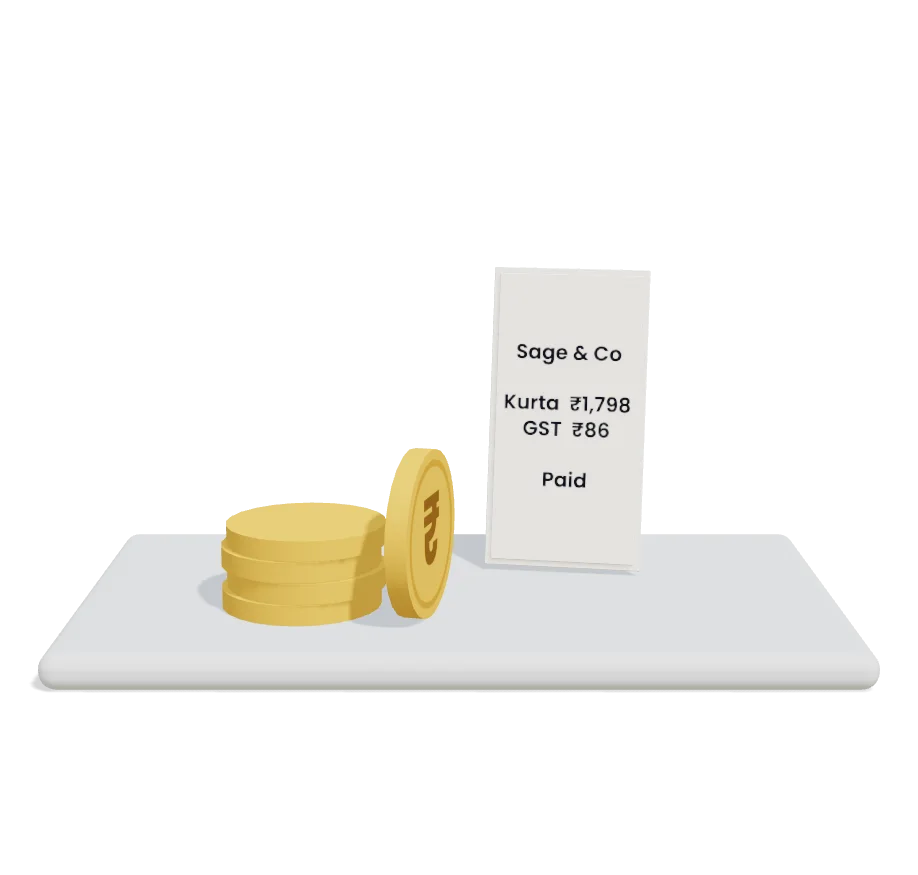
Note cash, UPI or bank money against the order. On a cash order, send a link so the customer can pay online before it ships.

  • The link goes out on WhatsApp
  • It runs through your own gateway
  • Copy the link if WhatsApp cannot send it
  • Online payments refund through the gateway
  • Manual refunds keep how you paid and the UTR

Labels and GST invoices, in a batch.

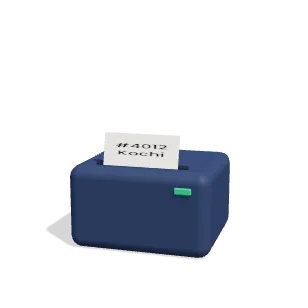
Pick the orders, pick a template and print. You confirm what printed, so the list of what is left stays right.

  • Filter by printed or not printed
  • Choose how many labels fit a sheet
  • An India Post COD article template
  • GST invoices and credit notes
  • Design your own label template

Returns, one step at a time.

Take a return, approve it, mark it received and refund it. Customers can ask from their online store account too.

  • Request, approve or reject, receive, refund
  • Items go back in stock when received
  • Cancellation requests in the same list
  • Approve or reject with a note
  • See who decided, and when

Revenue counted on delivery.

Delivered revenue is what reached your customers, less refunds. Cancelled and returned orders never count.

  • COD and prepaid side by side
  • Orders and revenue by source
  • Your top products
  • Delivery, cancel and RTO rates
  • Any date range you pick

And the small things that matter.

  • Find it by tracking number

    Type an AWB and go straight to the order.

  • Export to CSV

    Download your orders as a file, any time.

  • New orders on your phone

    Build an order in the Android app, with a PIN code check and the fee.

  • Work many at once

    Change status, add tags or cancel several orders together.

  • Cancel unpaid orders

    Unpaid orders can cancel after the hours you set.

  • Your own order numbers

    Set the prefix your order numbers start with.

  • A daily summary

    A 9 am summary on WhatsApp for team members who switch it on.

  • Orders you place with us

    An AI product photo order shows its steps and expected delivery date.

Common questions

How many orders does each plan include?

Starter includes 1,000 orders a month and 1 admin user. Growth includes 3,000 orders a month and Business includes 15,000.

Do I have to move my store?

No. Connect Shopify or WooCommerce and keep selling there. New orders come into Commstate by themselves.

Which plan includes AI confirmation calls?

Growth and up, which include Calls and the AI assistant. Confirming on WhatsApp comes with every plan, Starter included.

What do I need before WhatsApp confirmation works?

WhatsApp connected, and the COD confirmation template approved by Meta. Until then nothing is sent, and the order waits for you.

Can I import my old orders?

Yes, from a CSV file, on Growth and up. Every plan can export its orders.

Try it on your next order.

Connect your store and let one order run through. 14 days free, no card.